
Stop Nessus
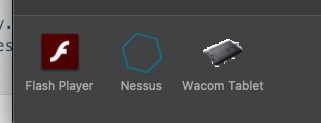
- In System Preferences, select the Nessus button.
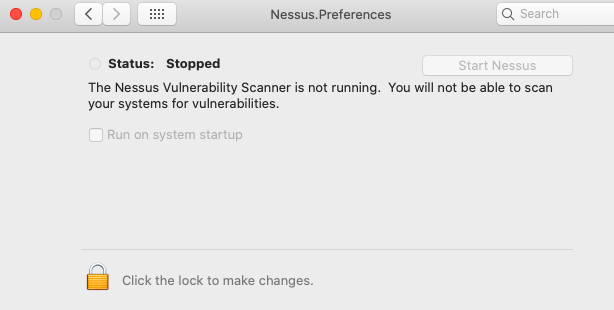
- On the Nessus.Preferences screen, click on the lock to make changes.
- Next, enter your username and password.
-
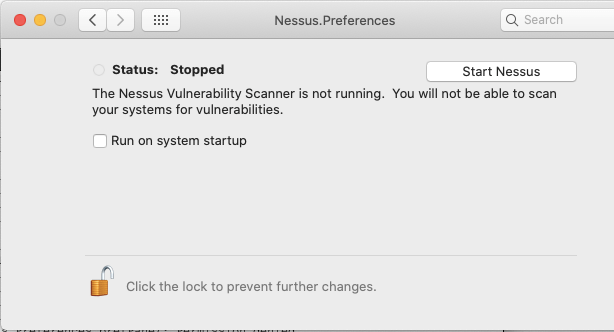
Select the Stop Nessus button.The Status becomes red and displays Stopped.
- Finally, exit the Nessus.Preferences screen.
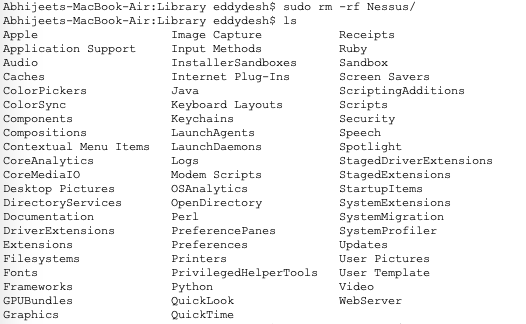
Remove the following Nessus directories, subdirectories, or files
/Library/Nessus
/Library/LaunchDaemons/com.tenablesecurity.nessusd.plist
/Library/PreferencePanes/Nessus Preferences.prefPane
/Applications/Nessus
/Library/LaunchDaemons/com.tenablesecurity.nessusd.plist
/Library/PreferencePanes/Nessus Preferences.prefPane
/Applications/Nessus
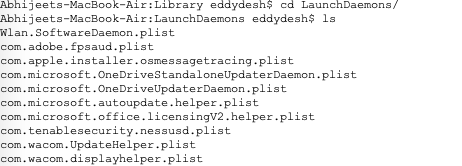


Disable the Nessus service
- To prevent the Mac OS X from trying to start the now non-existent service, type the following command from a command prompt.
$ sudo launchctl remove com.tenablesecurity.nessusd
- If prompted, provide the administrator password.


 Virtual Maestro
Leave a comment