
vSphere 6.7 and vSAN 6.7 now includes vRealize Operations within vCenter that provides monitoring capabilities natively in the HTML5 “Clarity” based vSphere client. This new feature allows vSphere customers to see a subset of intelligence offered up by vRealize Operations (vROPS) through a single vCenter user interface. Light-weight purpose-built dashboards are included for both vSphere and vSAN. It is easy to deploy, provides multi-cluster visibility.
The integrated nature of “vRealize Operations within vCenter” also allows the user to easily launch the full vROPS user interface to see the full collection of vRealize Operations dashboards.Setting up vROPS monitoring within vCenter:
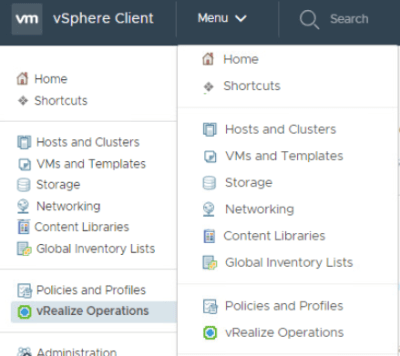



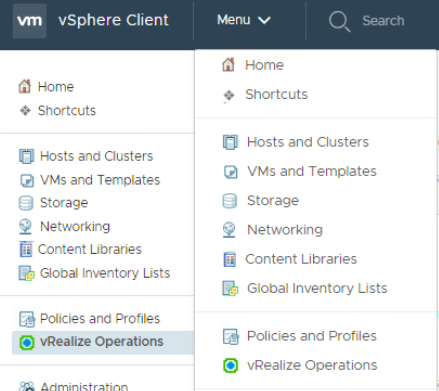
- Login to vSphere client and click on vRealize Operations from Menu drop down.
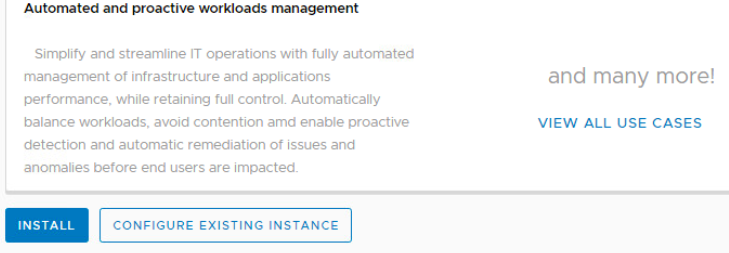
- On vROPS screen, default message is displayed as vROPS is not present.

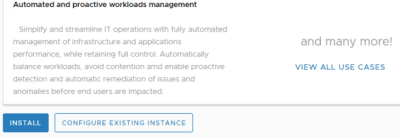
- Scroll down to bottom if required. You are presented with two options, Install or Configure existing instance.
- Click on Configure existing instance assuming that you already have vROPS installed.
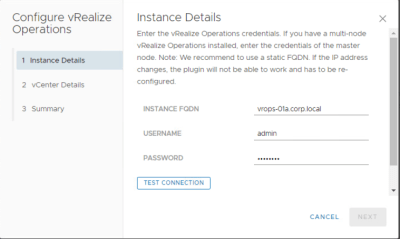
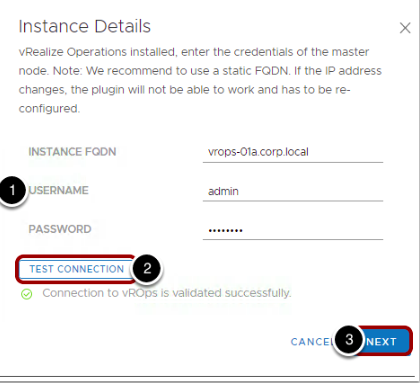
- Provide the vROPS instance details for FQDN, Credentials.
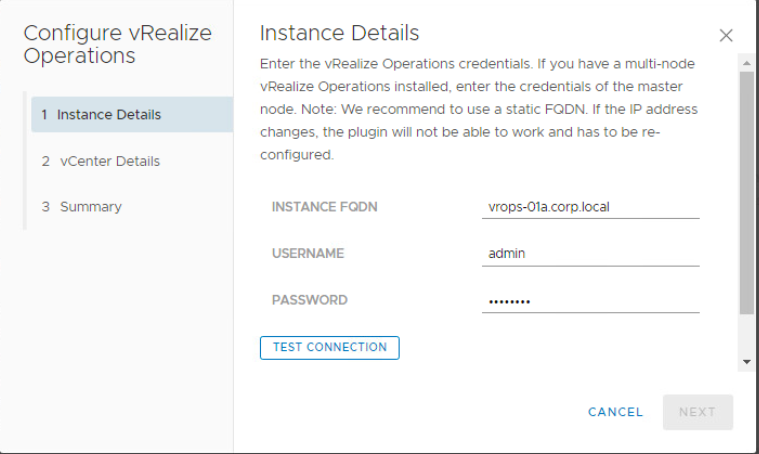
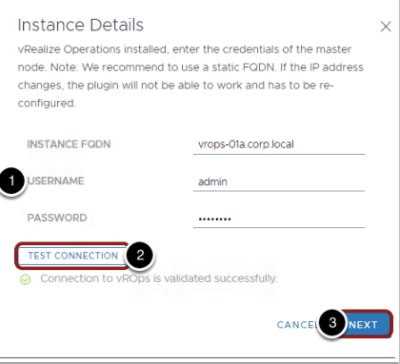
- Click on Test connection to verify that details are correct. Click next to continue after test connection is validated successfully
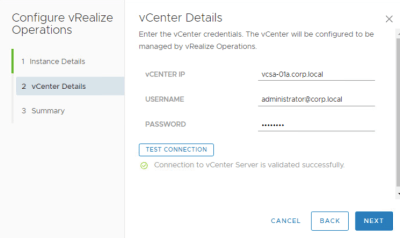
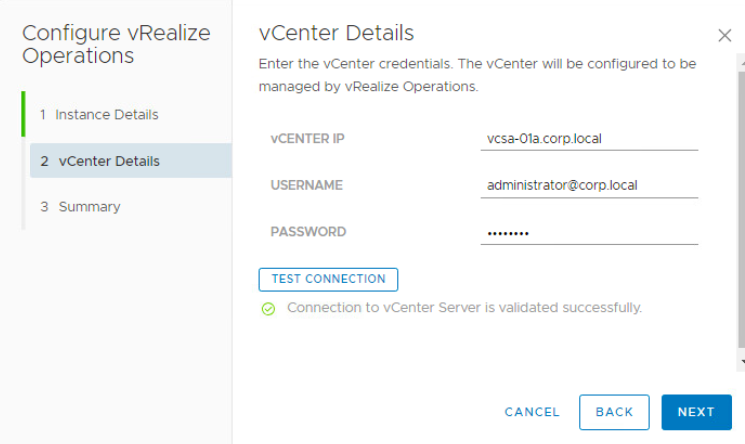
- Provide vCenter Server details and click Test connection as shown below. Click next once test connection is validated successfully.
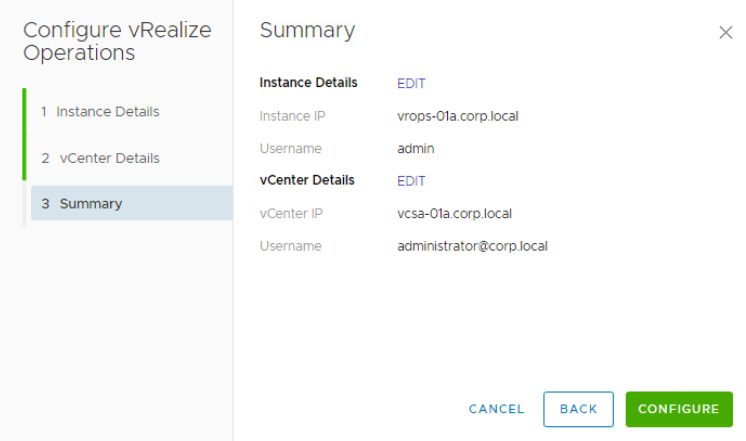
- On summery page, click Configure to proceed with vROPS configuration.
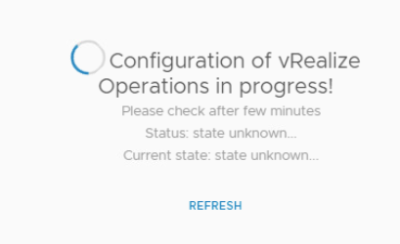
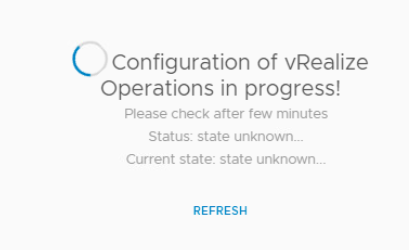
- Wait for vROPS configuration to be completed.
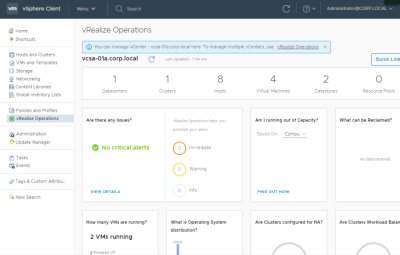
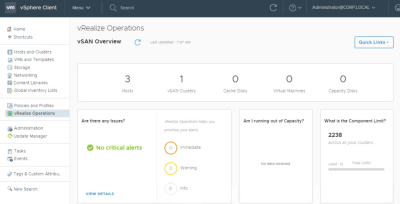
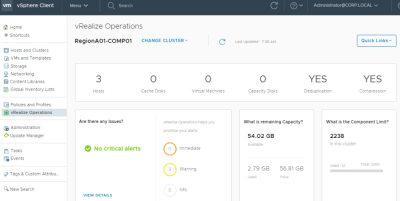
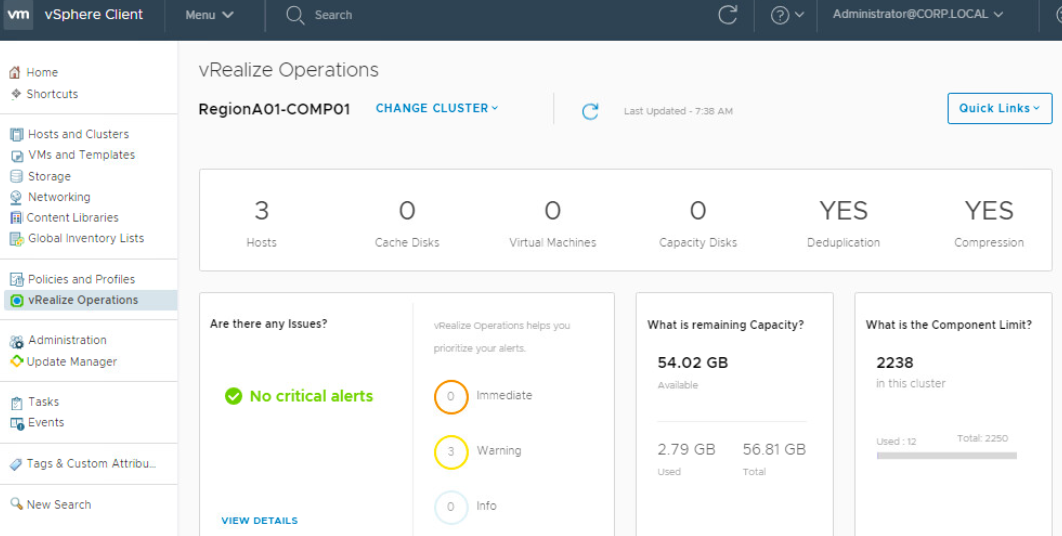
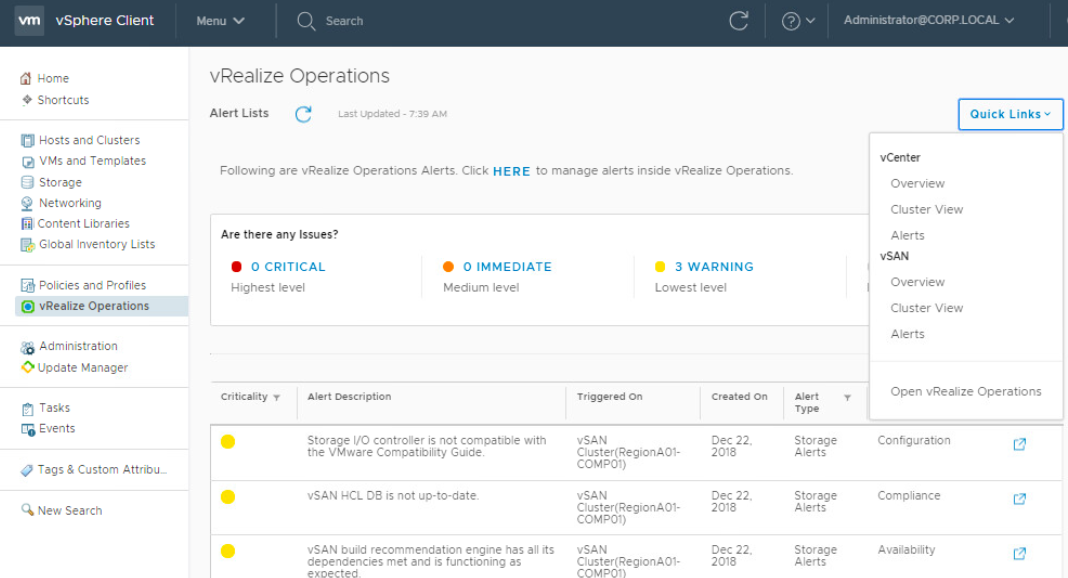
- Once configured, You can browse different dashboards to view monitoring details for vSphere and vSAN as shown in below example screenshots of few dashboards.




 Virtual Maestro
Leave a comment