VMware vCSA is bundled with below supported shells:
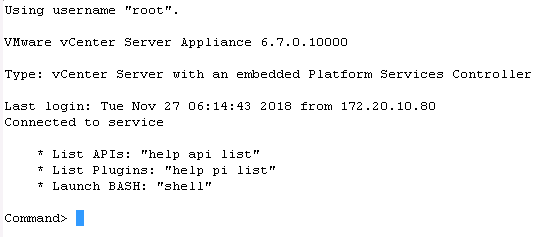

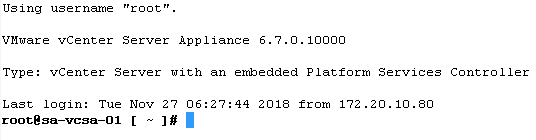


- BASH Shell
- Appliance Shell
When you connect to vCenter Server initially, by default, you will be in Appliance shell. However, we can toggle between the shells as needed.
Switching the vCenter Server Appliance 6.x to BASH Shell as default
- Log in to the vCenter Server Appliance through SSH.
- Run this command to enable access the Bash shell:
shell.set –enabled true and press enter
- Type shell and press Enter.

- In the temporary BASH shell, run this command to permanently configure the default Shell to BASH for Root:
chsh -s /bin/bash root
- Log out from the BASH Shell.
- Log in again for the changes to take effect.
Switching the vCenter Server Appliance 6.x to Appliance Shell as default
- Log in to the vCenter Server Appliance through SSH. You will be in BASH shell already since it was changed previously.
- Run below command to change from using the BASH Shell to the Appliance Shell:
chsh -s /bin/appliancesh root
- Log out from the Appliance Shell.
- Log in again for the changes to take effect.


 Virtual Maestro
Leave a comment