
Unhandled Exception while logging into ESXi 6.5 Host client with Google chrome
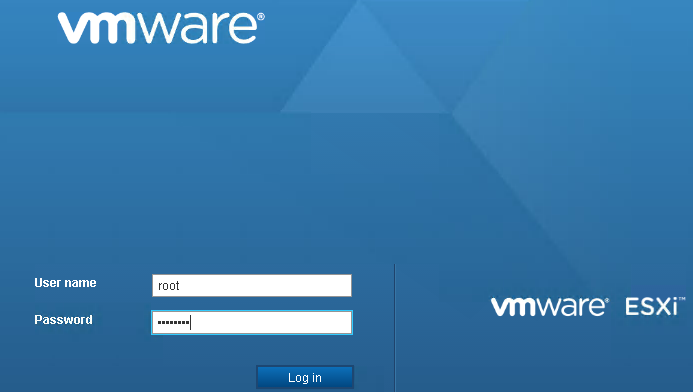
Recently while testing something, I came across this issue. I tried logging into ESXi host client with chrome. Once entered credentials as in screenshot below, I pressed enter key instead of clicking on login button.
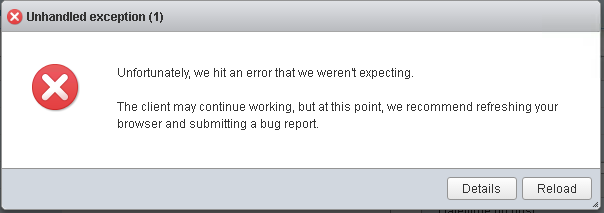
This loaded the page in background however displayed the error message of unhandled exception as in below screenshot.
Details of this error can be seen by clicking Details button.
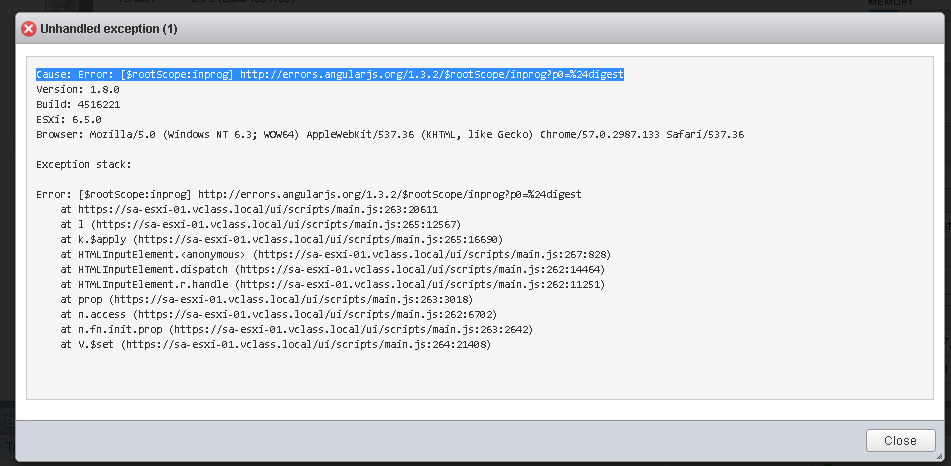
After doing bit research on this, I came to know that this issue is known in Host client version 1.8.X. To workaround this issue, I clicked login button instead of hitting Enter key and that worked for me.
However, to fix this issue, VMware labs has released updated version of Host client 1.17 which you can download from VMware Labs portal
I hope this helps!!!! Cheers!!!!
2 responses to “Unhandled Exception while logging into ESXi 6.5 Host client with Google chrome”
Latest posts
-
What is Virtualization-Based Security for Windows Guest Operating Systems
Virtualization-Based Security (VBS) for Windows guest operating systems is a security feature that uses hardware virtualization to create and isolate a secure region of memory from the normal operating system.…
·
-
Export DRS (Distributed Resource Scheduler) rules from a vCenter server using PowerCLI-How to?
To export DRS (Distributed Resource Scheduler) rules from a vCenter server using PowerCLI, you can use the following script. This script will connect to your vCenter server, retrieve the DRS…
·
-
vSphere virtual disk transport modes (VADP) for VM backup
Virtual Disk Transport Methods (VADP) offers interfaces for integration of storage-aware applications, including backup, with efficient access to storage clusters. Backup vendors may use different transport methods, which provide efficient…
·
Get updates
Spam-free subscription, we guarantee. This is just a friendly ping when new content is out.


Leave a comment